
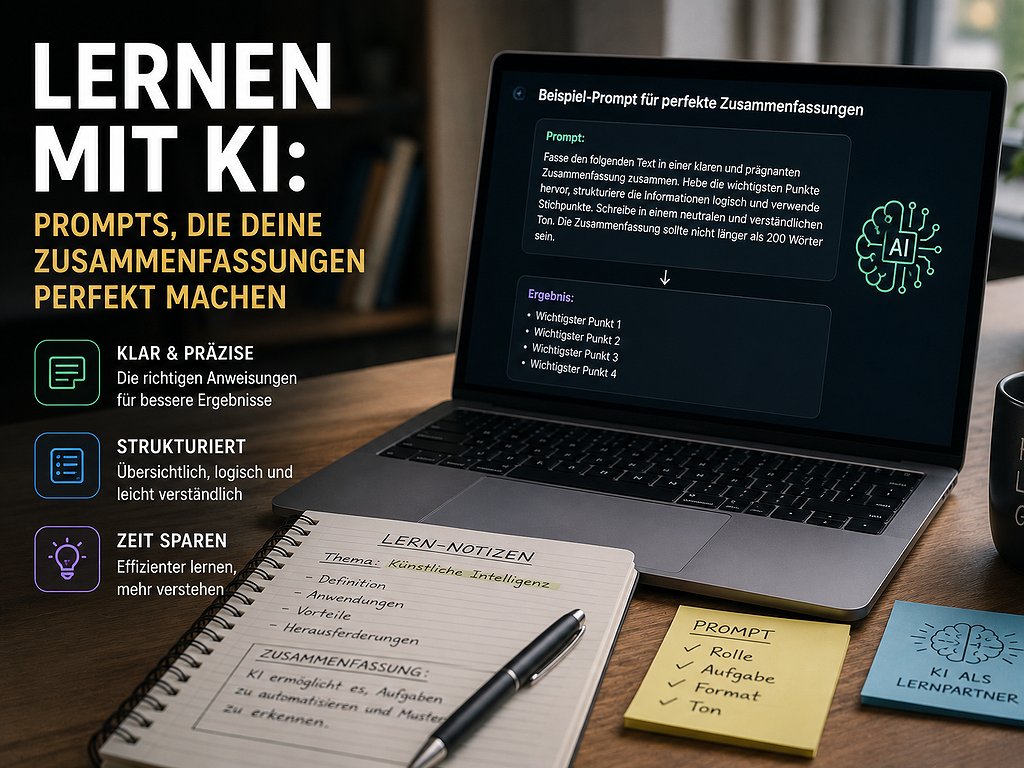
Warum die meisten KI-Zusammenfassungen unbrauchbar sind
You copy a long text into ChatGPT, Claude or Kimi K3, type „Summarize this for me“ – and get a generic list of general statements back. Sounds good, but doesn't really help with learning. The problem is rarely the model. It's almost always the prompt.
AI models are extremely good at delivering what you order. If your order is vague, you'll get a vague response back. If your order is precise – target audience, length, format, purpose, tone –, you'll get summaries that you can directly use for exams, meetings, or reports. In this guide, I'll show you concrete templates, a 5-element prompt model, and a workflow that will help you create usable summaries in under five minutes.
1. The 5 most common mistakes in summary prompts
Before we get to the templates, it's worth understanding why your previous summaries were mediocre. The top 5 mistakes:
- No length specified: „Summarize“ leads to arbitrary length – sometimes 3 sentences, sometimes 3 pages.
- No target audience defined: A summary for a pro is different from one for your grandma.
- No purpose mentioned: „Exam preparation“ needs different details than „Elevator Pitch".
- No format specified: Text, bullet points, Q&A – all have different effects.
- No limit on hallucination: Without the instruction „only based on the text“, the AI often adds its own assumptions.
2. The 5-element prompt model for summaries
Really good summary prompts contain five elements. Not always all, but the more, the more precise the result:
| Element | Why important | Example |
|---|---|---|
| Role | Activates relevant knowledge | „You are a professor of microeconomics" |
| Context | What kind of text is this? | „The following text is an academic paper from a journal… " |
| Task | What exactly should be done? | „Summarize the three main arguments " |
| Format | Structure and length | „In three bullet points, max. 2 sentences each " |
| Constraints | What NOT to do? | „Only based on the text, no own examples " |
3. Ten prompt templates you can copy directly
=== ÜBERSetzter HTML ===Now to the practical part. Here are ten templates that have been tested for the most common learning situations. Copy them, adapt them, and save the best ones for yourself.
Template 1: Exam Preparation (Standard)
You are a tutor preparing students for exams.
Summarize the following text in a way that I can repeat it in 10 minutes
for a test. Structure:

1. Central thesis (1 sentence)
2. Five key concepts, each with a definition (max. 2 sentences)
3. Three possible test questions with sample answers (max. 3 sentences each)

Stick to the text, do not add any external information.

Text: [INSERT TEXT HERE]
Template 2: Academic Articles & Studies
You are a scientific editor. Analyze the following
academic article and provide a structured summary:

- Research question (1 sentence)
- Methodology in brief (2 sentences)
- Main results (3 Bullet Points)
- Limitations of the study (1-2 Bullet Points)
- Practical implications (1-2 Bullet Points)

Cite each statement with the corresponding text source in brackets.
If information is not available in the text, write "Not specified in the text" instead of speculating.

Article: [INSERT TEXT HERE]
Template 3: Meeting Transcript Summary
You are a professional meeting protocol officer.
Summarize the following transcript in three sections:

DISCUSSED TOPICS (Bullet Points, each 1 sentence)
DECISIONS MADE (Bullet Points, each 1 sentence)
ACTION ITEMS (Format: [WHO] [WHAT] by [WHEN])

If deadlines or responsible individuals are not explicitly mentioned,
mark them with [OPEN].

Transcript: [INSERT TRANSCRIPT HERE]
Template 4: Non-Fiction Book Chapter
Summarize the following chapter of a non-fiction book in a way that I
can explain the content in a 3-minute conversation with someone who has not read the book.

Structure:
- Central message (1 sentence)
- Three key arguments (each 2-3 sentences)
- An example/anecdote that conveys the message
- A critical question to ask the author

Chapter: [INSERT TEXT HERE]
Template 5: News Article Summary for Time-Saving Mode
Summarize the following news article in the TL;DR format:

1. What happened? (1 sentence)
2. Why is it important? (1 sentence)
3. What's next? (1 sentence)
4. Who is specifically affected? (1 sentence)

Avoid marketing or opinion language from the article and
focus on verifiable facts.

Article: [INSERT TEXT HERE]
Template 6: Comparative Summary of Multiple Sources
I give you multiple texts on the same topic. Create a
comparative summary with the following structure:

- Common consensus among all sources (2-3 Bullet Points)
- Main differences/contradictions (with indication of which
  source holds which position)
- What is missing in ALL sources (if recognizable)

Text 1: [...]
Text 2: [...]
Text 3: [...]
Template 7: Flashcards from a Text
Create flashcards from the following text with the following structure:

Front: Key term
Back: Definition/Explanation

Text: [INSERT TEXT HERE]
=== HTML ÜBERSetzt ===
Create 10 flashcards in the Anki format
for active repeated learning.

Format per card:
- FRONT: a precise question (not "What is X?", but concrete)
- BACK: the answer in a maximum of 2 sentences

Focus on the most important concepts, not on
details. Use different question types:
Definitions, relations, applications, examples.

Text: [INSERT TEXT HERE]
Template 8: Explain-it-to-me-like-I'm-a-beginner
Summarize the following text as if you were explaining it to a
14-year-old with no prior knowledge.

Rules:
- No technical terms without explanation
- Use a metaphor from everyday life for the core concept
- Max. 4 paragraphs
- End with a question that shows whether the core has been understood

Text: [INSERT TEXT HERE]
Template 9: Critical Summary with Counterarguments
Create a critical summary of the following text:

1. Core thesis (1 sentence)
2. Strongest arguments (2-3 points)
3. Weakest arguments / logical gaps (2-3 points)
4. What the author doesn't address, but should (1-2 points)
5. How a counterposition would look like (2-3 sentences)

Be fair, but intellectually honest.

Text: [INSERT TEXT HERE]
Template 10: For Video Transcripts and Podcasts
The following transcript comes from a podcast/video.
Create a structured summary:

TOP 5 INSIGHTS (each 1 sentence)
MOST INTERESTING ANECDOTES (max. 2, each 2-3 sentences)
PRACTICAL TAKEAWAYS (3 Bullet Points, each actionable step)
BOOK RECOMMENDATIONS / SOURCES mentioned in the conversation (if mentioned)
FOLLOW-UP QUESTIONS that remained open in the conversation

Ignore small talk, commercials and repetitions.

Transcript: [INSERT TRANSCRIPT HERE]
4. The Summary Type by Purpose: Which Length and Format?
Not every summary should look the same. Here's the overview of what works for which purpose:
=== Übersetzter HTML ===| Purpose | Ideal Length | Best Format |
|---|---|---|
| Quick Decision Aid | 1–2 sentences | Stream-of-consciousness (TL;DR) |
| Team Update / Slack Post | 3–5 sentences | Bullet Points |
| Study Preparation | 200–500 words | Structured sections with examples |
| Flashcards / Anki | 10–20 cards | Q&A Pairs |
| Meeting Notes | 200–400 words | Topics / Decisions / Action Items |
| Scientific Article | 300–600 words | Question / Method / Results / Limitation |
| Book Chapter | 400–800 words | Thesis / Arguments / Example / Criticism |
| Explaining to Non-Experts | 200–400 words | Analogy + Simple Language |
Practice Block: The 3-Step Workflow for Perfect Summarizations
Instead of formulating a prompt based on intuition and hoping for the best, use this 3-step workflow. It takes a total of 5 minutes and delivers summarizations that you can actually use.
- Step 1 – Clarify the Purpose (30 seconds): Before you start typing a prompt, answer the following: Who will read the summarization? What should they do or know after reading it? In what context? Without this clarification, every prompt will be suboptimal.
- Step 2 – First Prompt Run (1 minute): Use one of the templates above. Copy it, adapt the structure to your purpose, add the text, and let the model run.
- Step 3 – Refine and Review (3-4 minutes): The first version is rarely the best. Critically review: Is the length correct? Are there any important details missing? Is anything made up? React with targeted follow-up prompts like:
- „Shorten this by half without losing core content."
- „Add a concrete example from the text to each point."
- „Check if you've added any information that's not in the text."
- „Create three follow-up questions about this text that I should answer."
Zeitinvestment: 5 Minuten in total – in comparison to 30–60 minutes manual summarizing. And you learn better, because you work critically with the model, instead of just letting it talk.
5. Common pitfalls – and how to overcome them
Pitfall 1: Hallucinations
AI models sometimes invent details that are not in the text. Countermeasure: „Stay strictly to the text. If a piece of information is not in the text, write explicitly: Not specified in the text."
Pitfall 2: Too general statements
Instead of concrete insights, the model provides text block sentences. Countermeasure: Demand explicitly numbers, names, examples. „Name a concrete number or a concrete example from the text for each point."
Pitfall 3: Too long summaries
The model often writes more than desired. Countermeasure: Set hard word limits: „Maximum 150 words. If necessary, shorten further."
Pitfall 4: Lost nuances
In academic or legal texts, important restrictions are often lost. Countermeasure: „If the author uses restrictions like 'often', 'sometimes', 'under certain circumstances', take these over verbatim."
Pitfall 5: German vs. English
Models are sometimes more precise in English than in German when summarizing. For important summaries: Test both languages. The extra effort pays off in technical texts.
6. Advanced techniques for advanced users
Technique 1: Prompt Chaining
Instead of ordering a mega-summary in one prompt, work in chains: First, extract structure, then summarize each section, and finally combine them. Results are significantly better for long texts.
Technique 2: Chain-of-Thought forcing
Add to your prompt: „Think step by step before creating the final summary. Show me the 5 most important statements in raw form first, then the polished summary."
Technique 3: Self-assessment
Additional prompt at the end: „Critically review the recently created summary. Which points are too vague? Which important aspects are missing? Then create an improved version."
Technique 4: Multi-model comparison
If it really matters: Have the same task performed by two different models (e.g. Claude and ChatGPT). Compare the summaries. Where they agree, the result is usually stable. Where they differ, a look at the original text is worth it.
7. Conclusion: Prompts are a skill – not a trick
Creating good summaries with AI is not magic. It's a skill. And like every skill, it gets better the more you practice and share with others. The prompts in this article are a starting point – but the strongest templates will always be the ones you iterate for your specific application.
Exactly this is what Skill Tandem aims for. On our platform, you'll find learning partners who, just like you, use AI tools in their daily lives – for studying, work, and personal projects. Together, you develop prompts, share your best templates, and learn from each other's mistakes. This accelerates your prompt proficiency by a multiple compared to solo experimenting. Register now for free and start with a learning partner!
FAQ: Frequently asked questions about AI prompts for summaries
Which AI model is best for summaries?
=== ÜBERSetzter HTML ===There is no universally best model. For long specialist texts (more than 20 pages), Claude Fable 5 excels with its 1-million-token context window and precise reasoning performance. For fast standard summaries, GPT-5.6 Terra or Kimi K3 are more cost-effective and faster. If data protection is critical, Kimi K3 with local deployment is best.
How long should prompts be?
My rule of thumb: as short as possible, as long as necessary. For simple tasks 2–3 sentences. For complex summaries with format requirements and constraints, feel free to use 10–15 lines. What's more important than length is precision.
Should I write prompts in German or English?
For German texts: write prompts in German to avoid translation losses. For international specialist texts, English may bring minimal better results. The difference is, however, small with modern models.
Can I use these prompts for videos or audios as well?
Yes, if you have a transcript first. Tools like Whisper (free), Otter.ai, or the integrated transcription functions of Claude and ChatGPT deliver good transcripts that you can then feed into template 10 (video/podcast).
How can I avoid passively consuming AI-generated summaries?
This is an important learning question. Use AI-generated summaries as a starting point, not the final product. At least skim the original, critically review, and note in your own words. Best of all, discuss with a Tandem partner – this will engage your understanding much more strongly than any passive reading.
Can I use these prompts commercially (e.g., for customer meetings)?
Yes, in principle. But be aware of data protection: sensitive customer or company data should not be fed into cloud-based KI models without corresponding Enterprise agreements (Zero Data Retention). For consumer chatbots: anonymize sensitive information before the prompt, or use locally hosted models.




Ich mache das auch so, spar mir jede Woche Stunden, weil ich meine Zeit besser planen kann!