Introduction to the World of AI Tools for Creative Projects
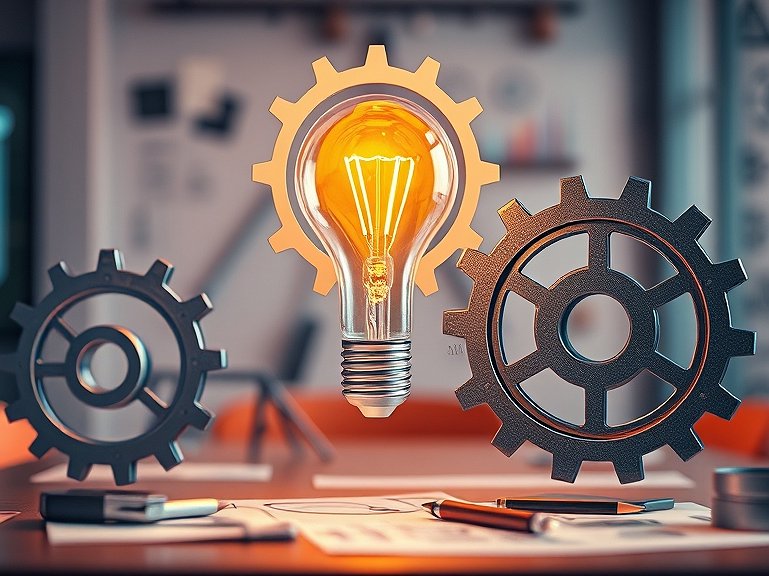
In a time where artificial intelligence (AI) is increasingly integrated into our daily lives, it’s more important than ever to understand how to leverage these technologies for creative projects. AI tools offer a range of possibilities to support, enhance, and accelerate the creative process. Whether you are a designer, writer, or marketer, integrating AI into your projects can help you achieve better results in less time.
In short: With the right AI tools, you can efficiently implement creative projects by assisting you in brainstorming, planning, and execution. In this article, you will learn how to use AI tools strategically and what steps to consider.
1. Identify Your Creative Project
Before you can begin using AI tools, you need to clearly define what creative project you want to implement. This could be creating a website, developing marketing content, or designing a logo. Clarifying your goal is crucial to selecting the right tools.
- Define the main goal of your project.
- Consider what creative elements are needed.
- Set a timeline for implementation.
- Keep your budget for tools and resources in mind.
2. Choose the Right AI Tools
Once you have defined your project, it is important to select the right AI tools that can assist you. Here are some popular AI tools that can be useful for creative projects:
- Midjourney: A tool for generating images based on text descriptions.
- ChatGPT: Ideal for creating text content and answering creative questions.
- Canva with AI features: For designing graphics and social media content with AI support.
- Soundraw: A platform for creating music with the help of AI.
3. Brainstorming and Idea Generation with AI
The next step is to develop ideas for your project. Here are some methods to utilize AI tools for brainstorming:
- Use ChatGPT to ask questions about your project and gain new perspectives.
- Employ Midjourney to generate visual inspirations based on your ideas.
- Create a brainstorming document with AI to structure your thoughts.
- Use AI-powered mind mapping tools to visually represent your ideas.
4. Implementation of Creative Ideas
Once you have a clear vision of your ideas, it’s time to implement them. Here are some steps you can follow:
- Prototyping: Create initial drafts or prototypes of your ideas using tools like Figma or Canva.
- Gather Feedback: Get feedback from others to enhance your ideas. Use survey tools or AI-driven analytics tools for this.
- Iterative Design: Refine your drafts based on the feedback received.
- Final Execution: Bring your ideas to life by creating the final designs, texts, or media content.
5. Testing and Adjusting Your Creative Projects
After implementation, it's essential to test your work and make adjustments if necessary. Here are some tips:
- Utilize A/B testing to compare different versions of your creations.
- Analyze the performance of your content using AI analytics tools.
- Request feedback again and be ready to make adjustments.
- Continuously optimize your projects to achieve the best results.
Practical Tips for Using AI Tools
Here are some practical steps to consider when using AI tools:
- Step 1: Choose an AI tool that meets your needs.
- Step 2: Clearly define your project goals.
- Step 3: Start brainstorming by actively using the tool.
- Step 4: Implement the ideas and create initial prototypes.
- Step 5: Test and adjust your results to improve quality.
Common Mistakes When Using AI Tools
When working with AI tools, several common mistakes can occur that you should avoid:
- Over-reliance on AI: Many users rely too heavily on AI suggestions without incorporating their own creative ideas. It's important to view AI as a support tool rather than a replacement for your creativity.
- Unrealistic Expectations: AI can deliver great results, but not always perfectly. Be prepared to make adjustments and not accept every generated idea as final.
- Poor Communication: Many AI tools require precise input. If you don't articulate your needs clearly, this can lead to unsatisfactory outcomes.
- Lack of Iteration: Creative processes often require multiple revisions. Don't rely on the first result; iterate and refine your work continuously.
Advanced Strategies for Utilizing AI Tools
Once you understand the basics of using AI tools, consider implementing advanced strategies:
- Collaboration with Other Creatives: Use platforms like Skill Tandem to collaborate with other creative minds. This can help you gain new perspectives and enrich your projects.
- Integration of Multiple Tools: Combine various AI tools to support the entire creative process. For example, you can use ChatGPT for text content and Midjourney for visual elements.
- Automation of Routine Tasks: Employ AI tools to automate time-consuming tasks like data entry or content planning so that you have more time for creative activities.
- Additional Training: Invest time in online courses or webinars to deepen your skills with AI tools. Platforms like Coursera or Udemy offer excellent resources that can help you understand the functionalities better and use them more effectively.
- Establish Feedback Loops: Implement regular feedback rounds with other creatives or your team to continuously identify and leverage improvement potentials.
Practical Example
Let’s consider a concrete example of how AI tools can be successfully used in a creative project:
Imagine you are a marketing manager for a new product. You decide to launch a campaign that includes both visual and textual content. You start by utilizing ChatGPT to generate various slogans and texts for the advertisements. Next, you use Midjourney to create appealing graphics that visually support the messages.
After creating a first draft of your campaign, you gather feedback from your team and adjust the content accordingly. By using AI analytics tools, you test different approaches and optimize the campaign based on the collected data. In this case, you have effectively utilized AI tools to develop a creative and successful marketing campaign. A concrete example could be that you find in an A/B testing campaign that a specific graphic generates 30% more engagement than another. This highlights the importance of analyzing data and making informed decisions based on it.
Checklist for Using AI Tools
Here’s a handy checklist to help you when using AI tools:
- Is the project goal clearly defined?
- Have I selected the right AI tools?
- Have I generated and documented ideas?
- Have I created prototypes and gathered feedback?
- Have I tested and analyzed the results?
- Have I made regular adjustments?
Costs & Effort
The costs associated with using AI tools can vary depending on the specific tools and the requirements of your project. Here are some factors to consider:
- Licensing Fees: Many AI tools offer free trials, but advanced features often come with monthly or annual fees. For instance, Midjourney may charge a monthly fee for the use of their more powerful models.
- Time Investment: The learning curve for new tools can vary. Allocate time to familiarize yourself with how the tools work. Often, it's helpful to use tutorials or online courses provided by the vendors.
- Resource Costs: Also consider the costs of additional resources you might need, such as software or training. You may also need hardware that meets the requirements of the AI tools.
Further Tips
Here are some additional tips to get the most out of your AI tools:
- Stay updated on new developments in AI technology to make use of the latest tools and features. Platforms like LinkedIn or relevant blogs can provide valuable information.
- Experiment with different inputs and approaches to find out what works best for your specific needs. Often, small changes in input can lead to significant differences in output.
- Network with other users to exchange best practices and experiences. Online communities or forums like Reddit or specialized Facebook groups are great places to connect.
- Document your progress: Keep track of what worked and what didn’t. Such documentation can help you make future projects more efficient.
Conclusion: AI Tools as the Key to Creative Success
Utilizing AI tools can significantly ease and accelerate the creative process. By selecting the right tools and using them strategically, you can implement your projects more effectively. Artificial intelligence is not just a tool, but a partner in your creative process.
Skill Tandem (skilltandem.app) allows you to collaborate with experienced AI experts to further develop your AI skills. Sign up for free and benefit from the community!
FAQ: Frequently Asked Questions about AI Tools in Creative Projects
What advantages do AI tools offer for creative projects?
AI tools help optimize the creative process by generating ideas, creating designs, and conducting analyses. They enable faster implementation and improve the quality of results.
How do I choose the right AI tool?
Consider the specific requirements of your project and choose a tool that offers the necessary functionalities. Test different options to find the best fit for your needs.
Can I use AI tools without technical knowledge?
Yes, many AI tools are user-friendly and provide tutorials or guides to ease you into using them. You don’t need to be a tech expert to benefit from them.
How can I ensure that my creative projects remain unique?
Use AI tools for inspiration, but don’t rely solely on them. Combine generated ideas with your own creative input to produce unique results.
How often should I review and adjust my creative projects?
It’s advisable to regularly gather feedback and analyze your results. This helps you to continuously make improvements and ensure the quality of your work.

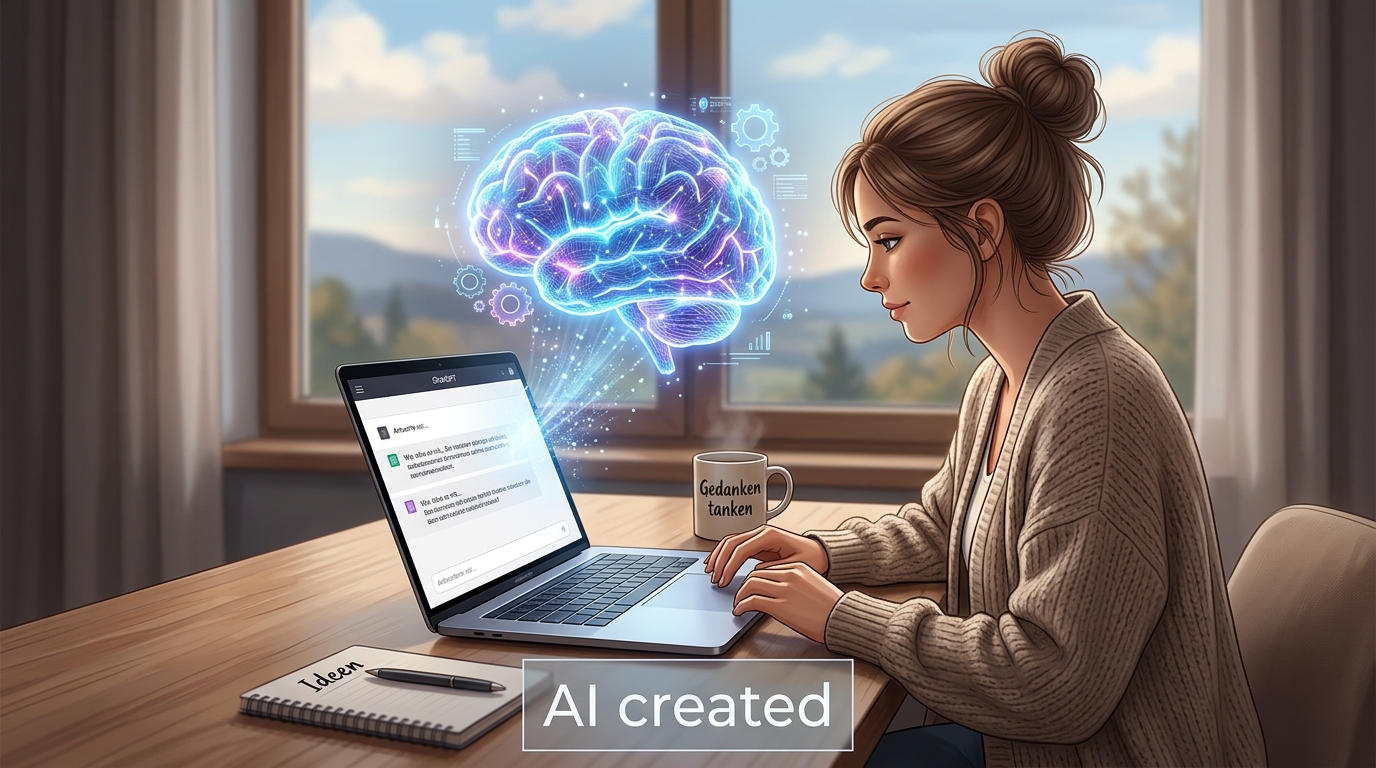

Ich hab AI-Tools in meiner Arbeit als Designerin genutzt und die Effizienz hat sich echt verbessert!